
WebinarStack Help
Practical guides for creating webinars, designing attendee pages, connecting your stack, and understanding performance.
Guides for building better webinars
Find the right next step without digging through every page.
WebinarStack documentation is organized around the work users do most often: launching a webinar, editing the attendee experience, connecting systems, and improving results after traffic starts.
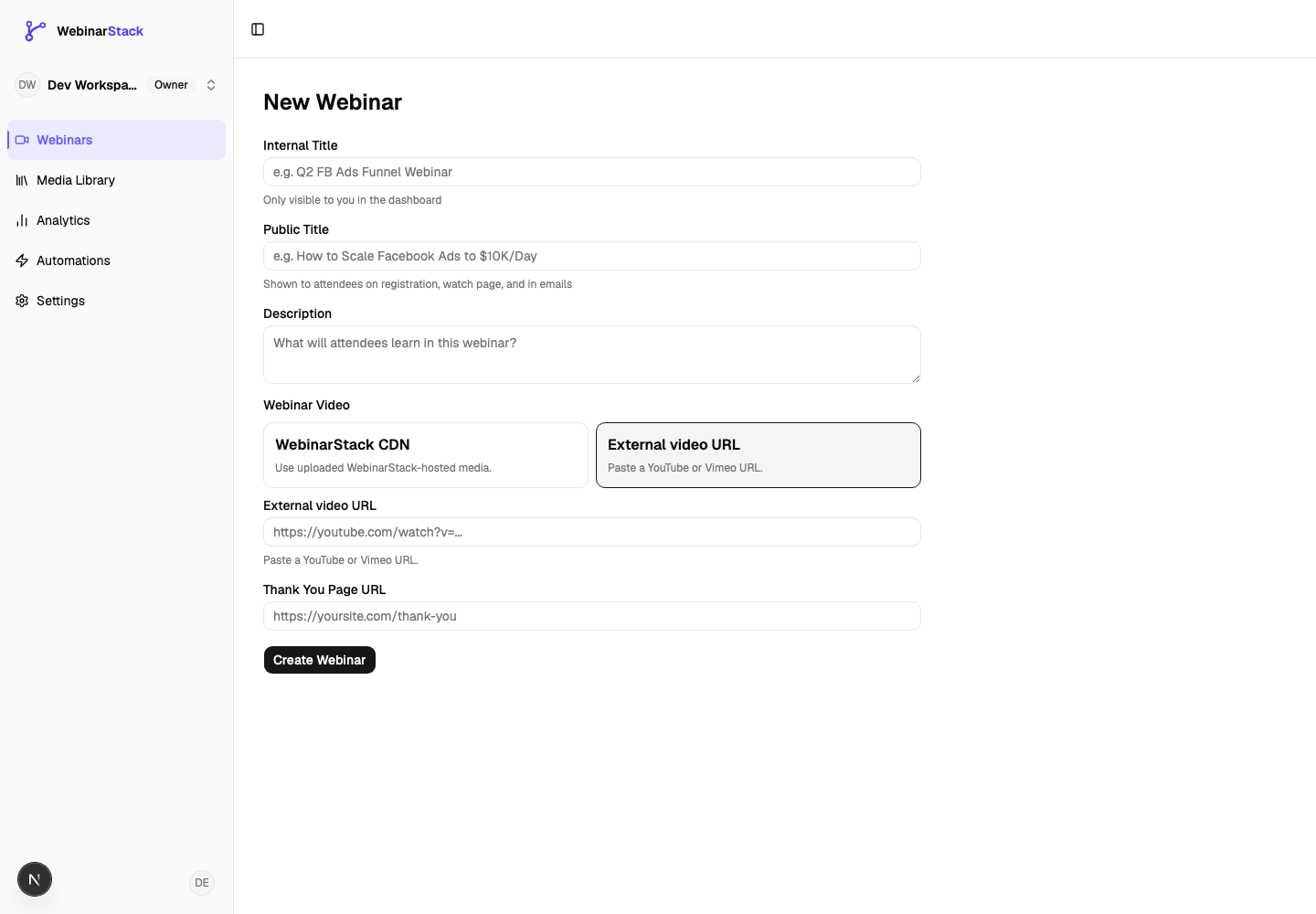 First webinarCreate your first webinarA full walkthrough from draft to publish.
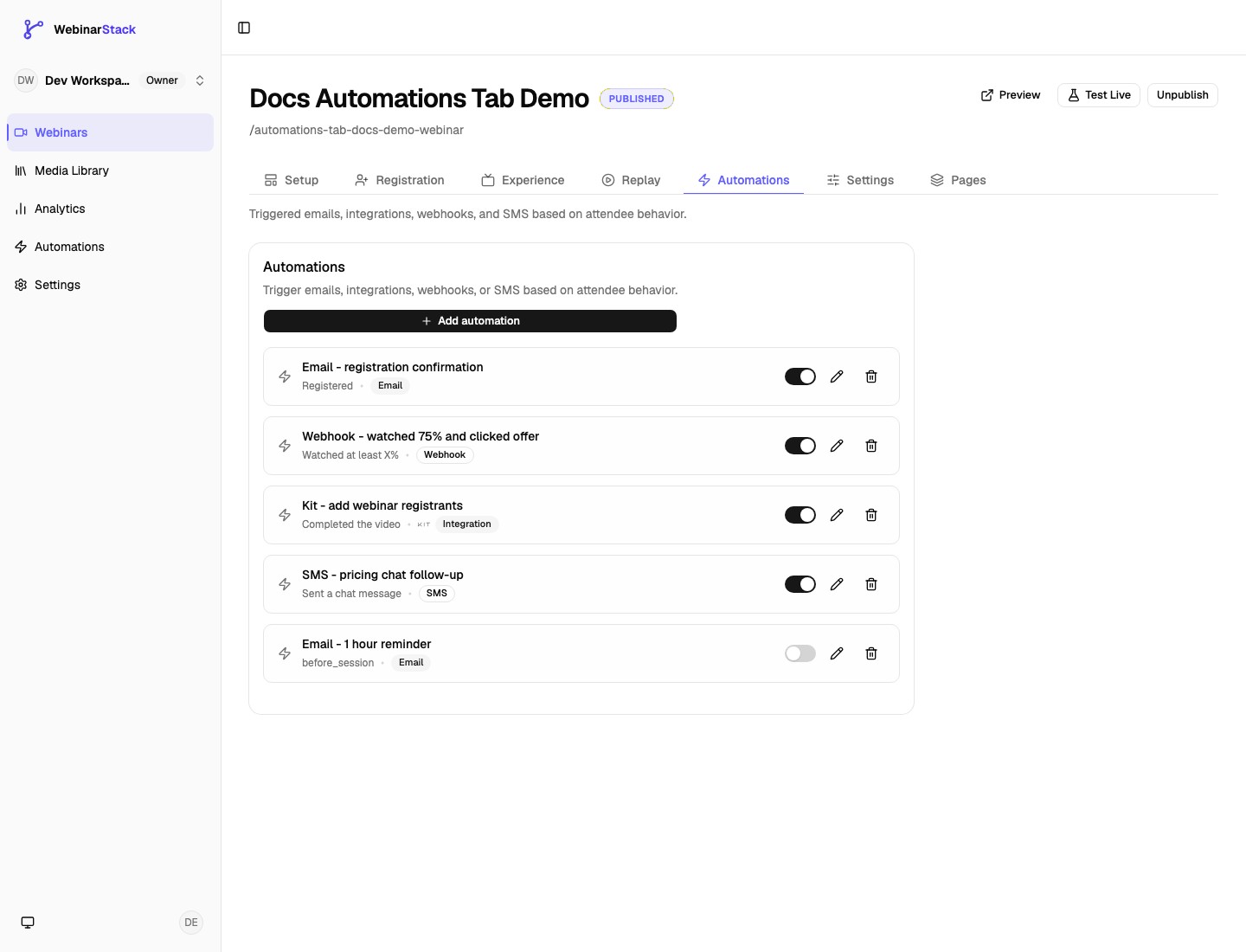 AutomationAutomations deep diveUnderstand triggers, actions, delays, integrations, and rule behavior.
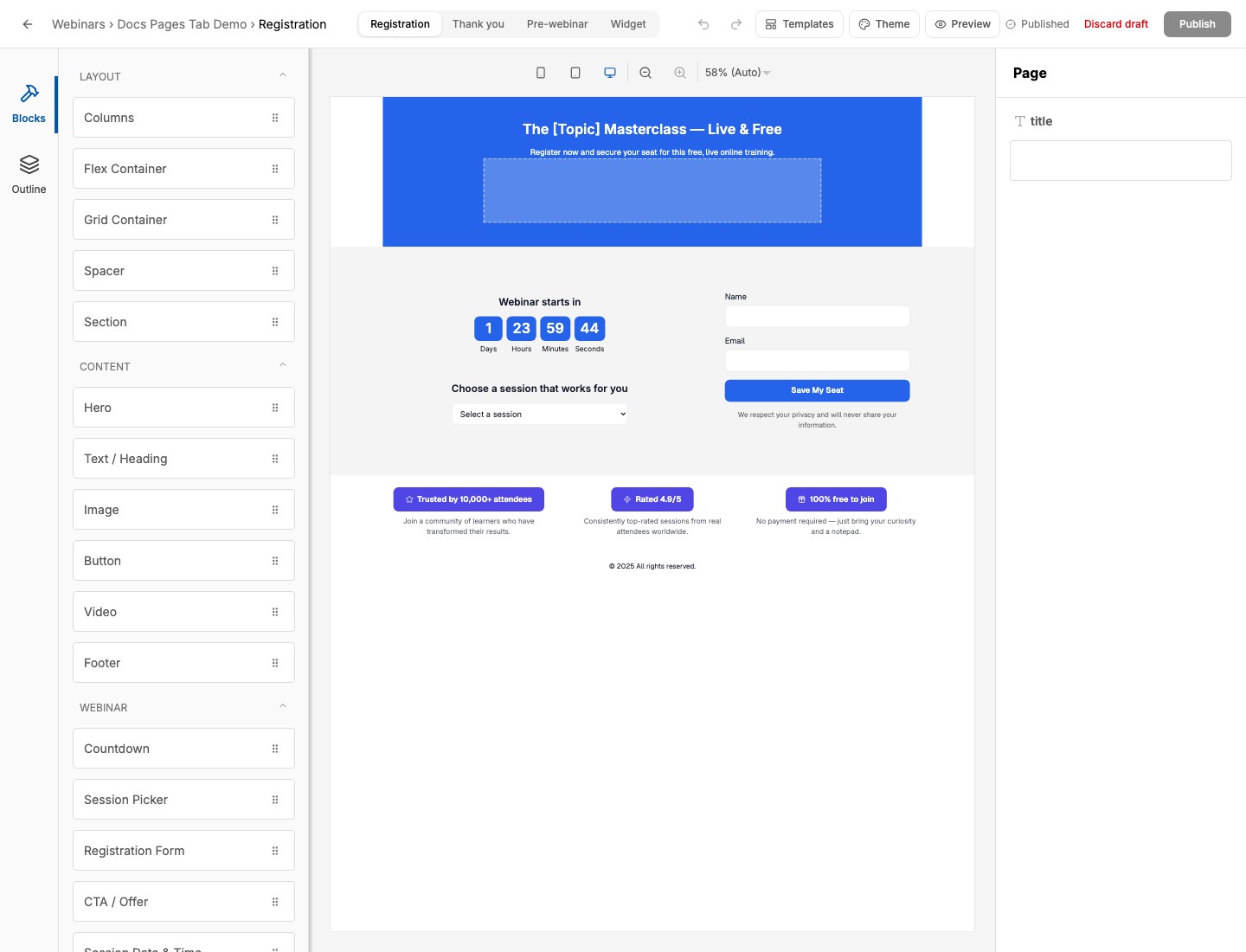 PagesPages tab and editorDesign, preview, publish, and troubleshoot attendee pages.
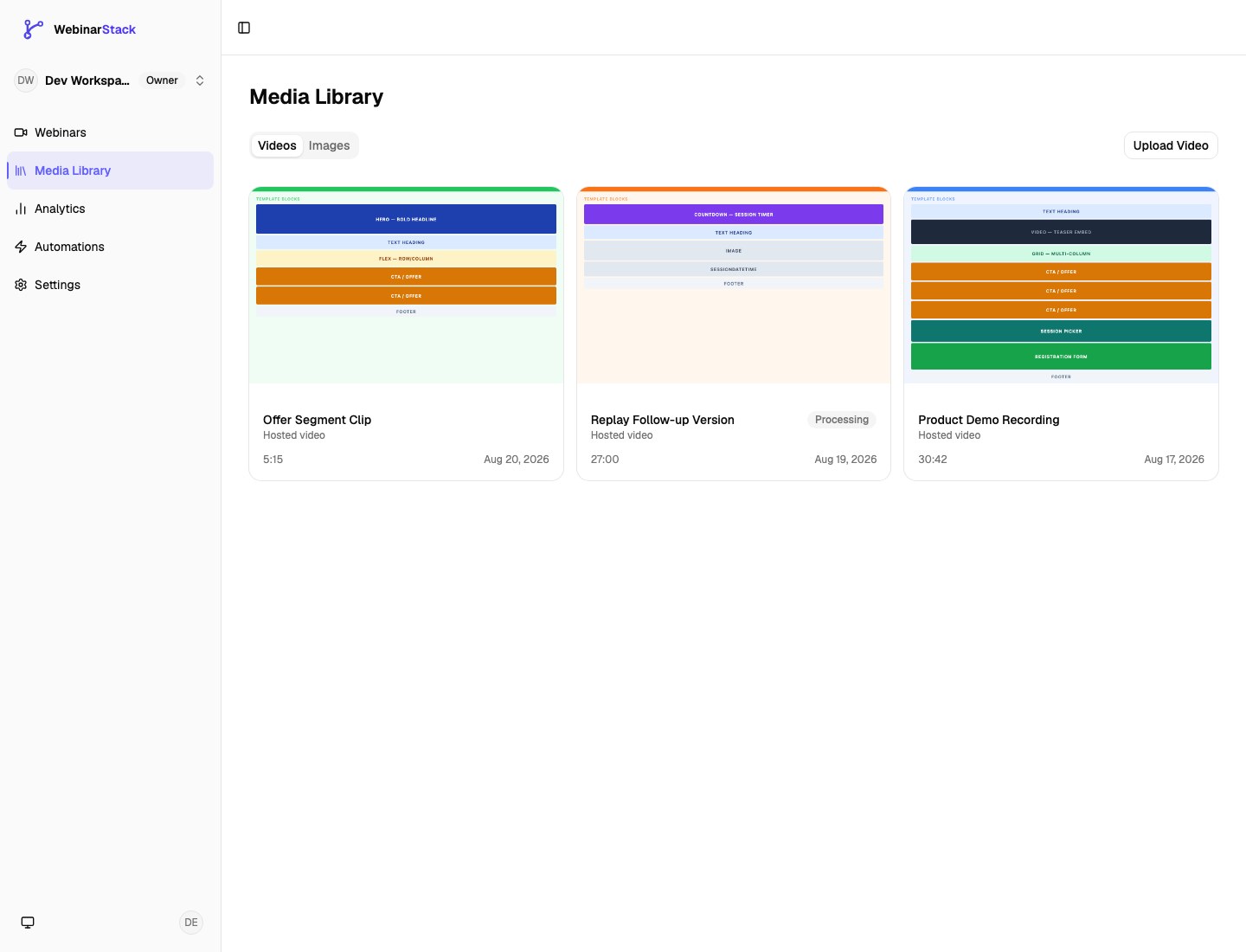 MediaMedia LibraryUse hosted videos, external videos, CDN images, and reusable assets.
Core Product Guides
Section titled “Core Product Guides”Create your first webinarStart with the core setup flow: content, schedule, registration, and publish checks.
Media LibraryUpload hosted videos and images, choose WebinarStack CDN media, and understand YouTube and Vimeo source options.
Custom DomainsServe registration, watch, replay, unsubscribe, email, SMS, and API attendee links from a branded subdomain.
Registration pagesUse the page builder to adapt registration pages to your offer, brand, and audience.
AutomationsTrigger follow-ups, webhooks, SMS, integrations, and offers based on what attendees do.
AnalyticsDiagnose registrations, attendance, retention, funnels, revenue, attribution, attendees, and adaptive paths.
Webinar Editor
Section titled “Webinar Editor”Setup tabEdit core details, video source, late-join cutoff, schedule modes, blackout dates, and webinar type.
Registration tabManage registration URLs, redirects, session availability, embed widgets, and registration counts.
Experience tabConfigure branding, offers, polls, chat, replay messaging, and adaptive transition defaults.
Replay tabConfigure replay access, availability, replay video source, redirects, chat behavior, and skip-ahead controls.
Automations tabCreate, edit, pause, delete, and troubleshoot webinar automation rules for email, webhook, integration, and SMS actions.
Settings tabConfigure date, time, language, timezone, redirects, and email delivery status for a webinar.
Pages tab & page editorDesign, preview, publish, and troubleshoot registration, thank-you, pre-webinar, and widget pages.
Integrations
Section titled “Integrations”Slack Chat IntegrationForward attendee chat into Slack and reply from threads during live webinars.
Twilio SMS IntegrationConnect Twilio, collect SMS consent, and send opt-in text reminders through automations.
Email DeliveryConnect SendGrid or Postmark so automation emails send from your own verified domain.
Stripe Revenue TrackingConnect Stripe revenue webhooks and attribute purchases, refunds, and chargebacks to webinars and offers.
Kit IntegrationConnect Kit, formerly ConvertKit, and update subscribers, tags, and custom fields through automations.
ActiveCampaign IntegrationConnect ActiveCampaign and update contacts, tags, lists, and custom fields through automations.
Mailchimp IntegrationConnect Mailchimp, choose a default audience, and update members or tags through automations.
MailerLite IntegrationConnect MailerLite and update subscribers, groups, and custom fields through automations.
Zapier IntegrationSend automation events into Zapier Catch Hook workflows for CRM, spreadsheet, alert, and no-code routing.
Developer & AI
Section titled “Developer & AI”API KeysCreate, scope, use, rotate, revoke, and monitor keys for REST API and AI Tools access.
API ReferenceOpen the interactive REST API documentation for endpoints, schemas, authentication, and request examples.
WebhooksSend signed webinar events to a CRM, backend, no-code workflow, or revenue system.
Claude Code MCPConnect Claude Code to WebinarStack with the hosted MCP endpoint.
Claude Web & Desktop MCPCreate Claude Web and Desktop connectors with the URL from WebinarStack settings.
Documentation Reference
Section titled “Documentation Reference”Images and videosKeep screenshots, walkthrough clips, and embedded videos easy to maintain.
Docs workflowUnderstand how this documentation site is organized and maintained.
Release boundaryTrack documentation expectations around product and release boundaries.
Multilingual docsPlan localized docs structure, page ownership, and translation updates.